A 1:1 image splitter and grid maker for Instagram carousels (Python)
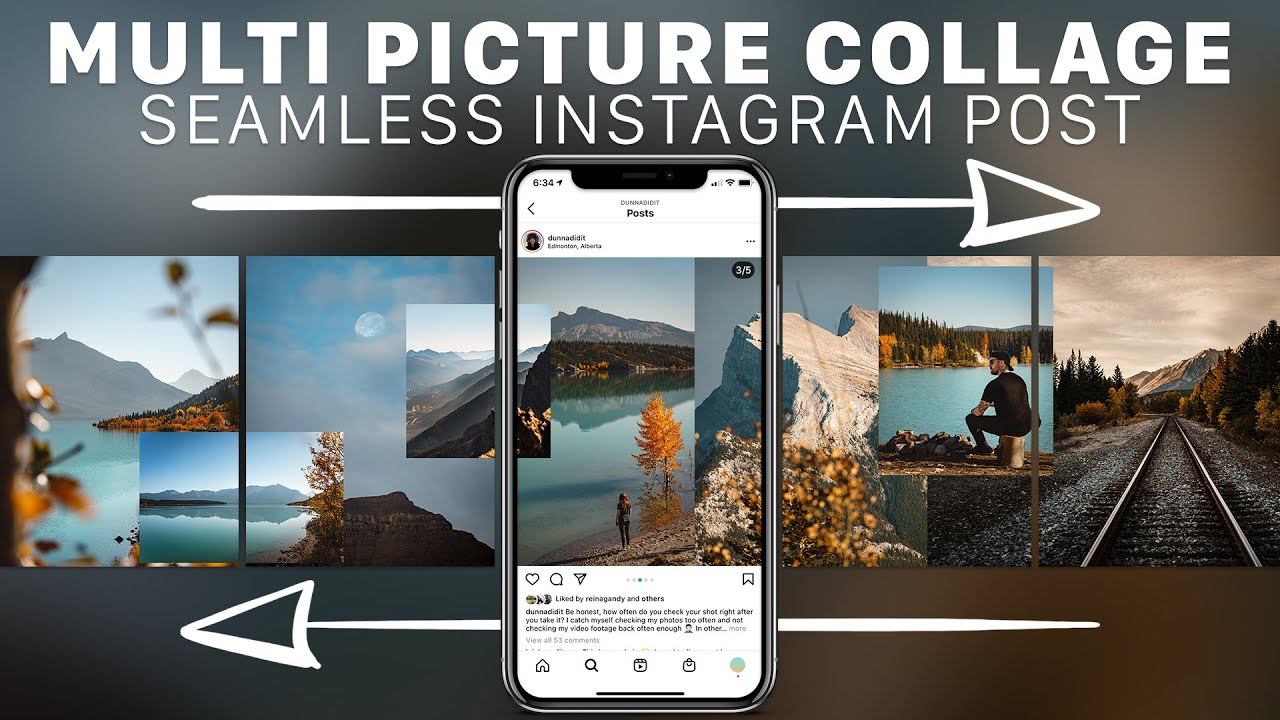
Seamless Instagram carousel posts are cool and — according to some data — have the highest engagement rate among the different kinds of posts you can publish. I do it often on the Instagram page of Colnago.
How? I create a carousel on Canva as a single picture with a ratio of 3:1, 4:1, 5:1 or even (once) 7:1, and then I cut it into squares. How do I cut it into perfect 1:1 squares? There are many methods, and most of them take a lot of time or involve risks.

Existing methods
You can create carousels and split images:
- by using an online tool such as Grid Maker by MySocialBoutique.co
- by using Canva itself
- by cutting it with apps such as Adobe’s (Illustrator or Photoshop)
They’re all fine, except that:
- using an external website, you have limits on the picture dimensions, and the resulting image is compressed / loses quality
- using Canva is nice but it often leads to mistakes
- using Adobe programs is the most professional solution, but… do you even have access to them? They’re so expensive.
To solve this, I created the following script, which uses standard Python libraries.
My Python script to split images and create Instagram carousels
# Add the image path
image_url = "C:/User/Desktop/pic_name.png"

# Import the "Image" library from the PIL package
from PIL import Image

# Open the image and get its size
pic = Image.open(image_url)
h = pic.size[1]
w = pic.size[0]

# Crop it into as many squares as fit
i = 0
while i < w // h:
    w0 = h * i
    w1 = h * (1 + i)
    box = (w0, 0, w1, h)
    region = pic.crop(box)

    # Save the files like this: "image_name_crop_1.png"
    file_name = image_url.split("/")[-1].split(".")[0] + "_crop_" + str(i + 1) + ".png"
    region.save(file_name)
    i += 1

print("done!")
The images are saved in the same folder where you’re running your Python script. Share it if you found it helpful :)